Generative audio plug-in · VST3 · AU
Describe a sound.
Drag it into your track.
Your first sound kit is on us. 5 free credits make 20 WAVs, in your key and at your tempo.
Say what you hear in your head.
A phrase, an accent, a texture or a sample. Plain words are enough.
Four takes, every press.
Each one in your key, on your tempo, cut to exact bars.
Drag the one you like into your track.
It is a WAV on your computer the moment you hear it.
Listen
Go on, press something.
This is the plug-in. Pick a sound, press Generate, then step through the four takes.
1 credit = 1 press = 4 takesEvery sound here was made in Voyager
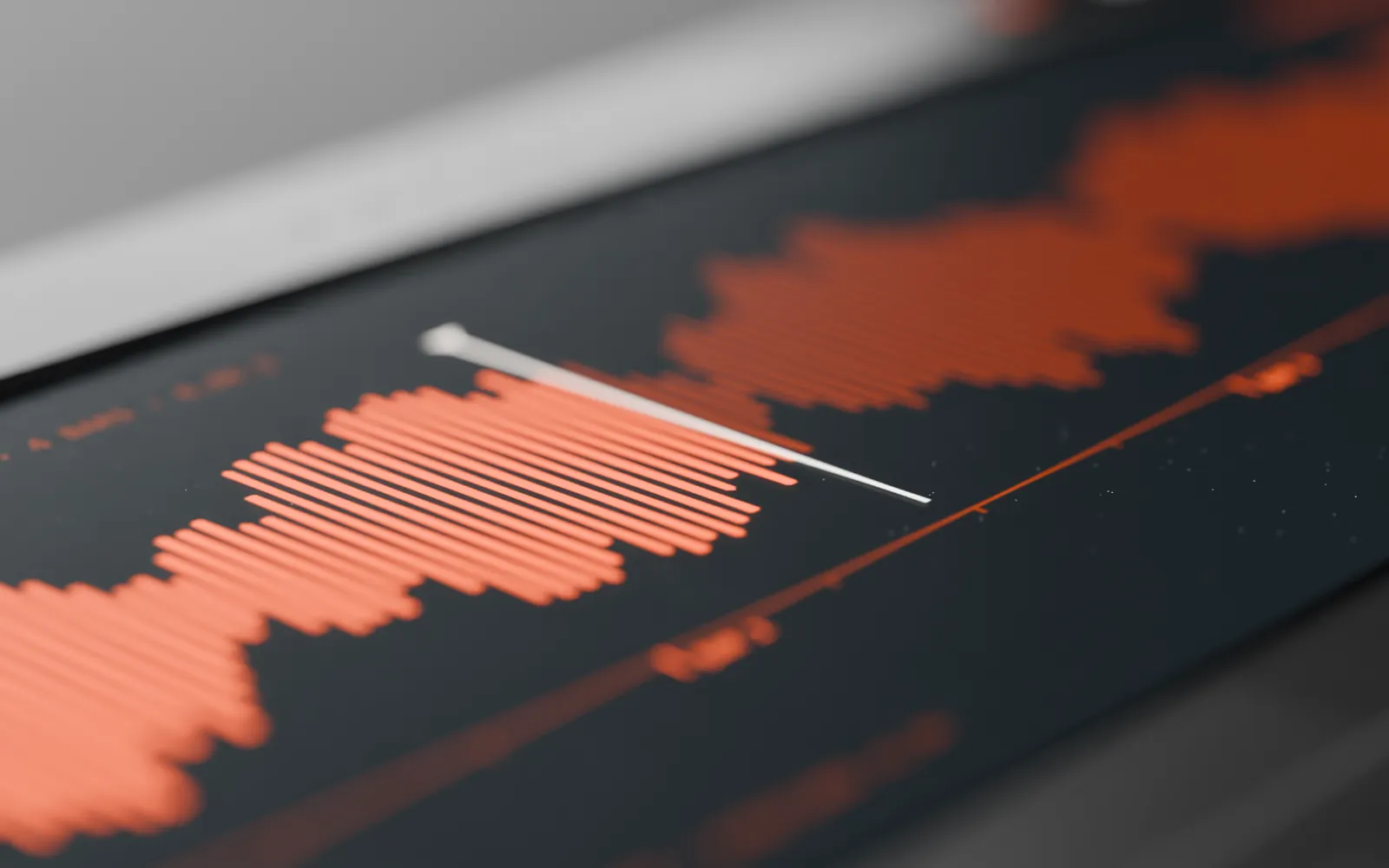
In time
Your key. Your tempo. Exact bars.
Set the key, the BPM and the length. Takes come back on the grid and loop cleanly, so they sit in the session without warping or trimming.
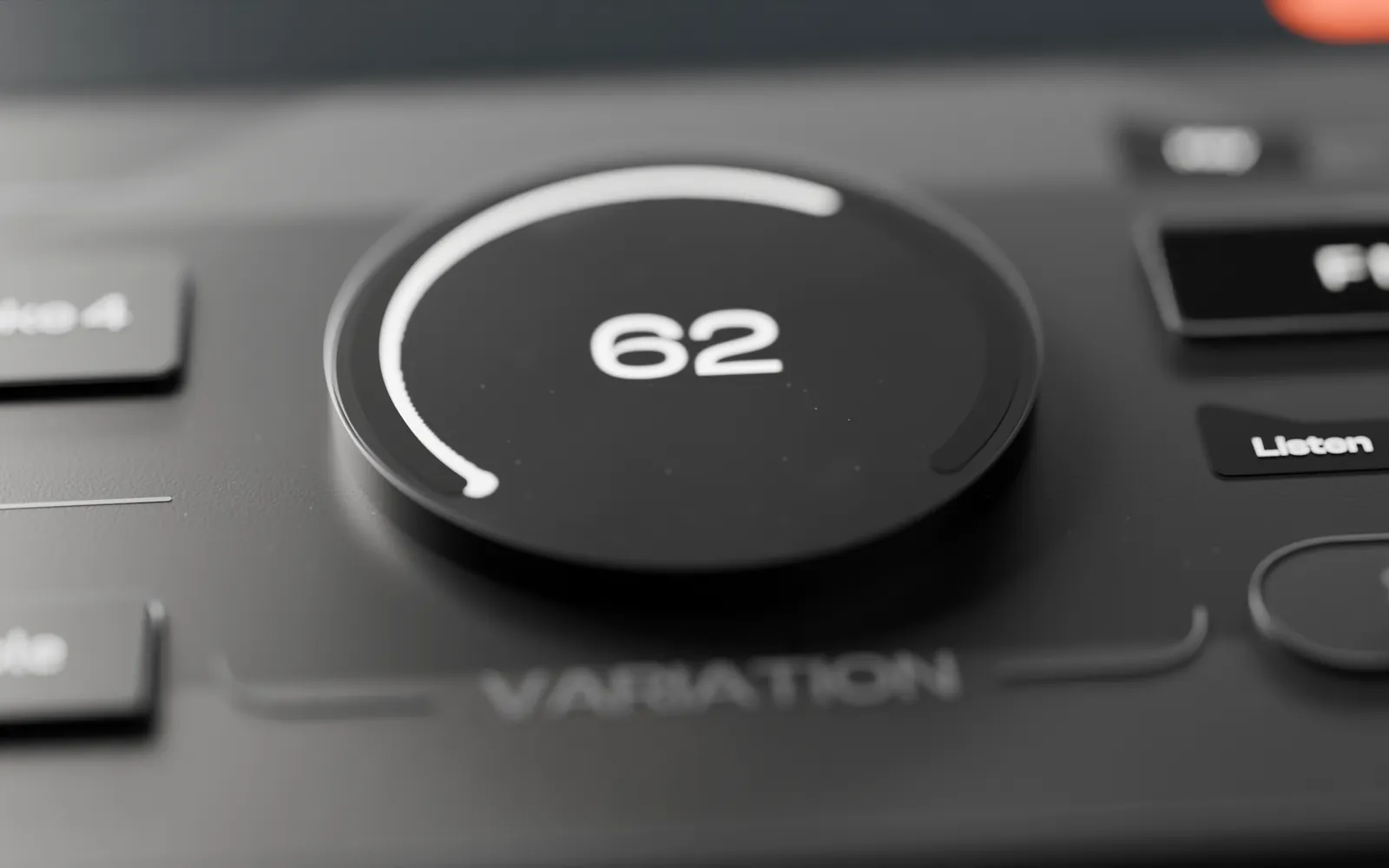
Variation
Close, but not quite? Turn the dial.
Keep the take that is nearly there and decide how far to stray from it. A little gives you its neighbours. A lot gives you something new.

Your audio in
Start from a sound you already have.
Drop in a sample or record straight into the plug-in, and Voyager makes new takes that follow it.
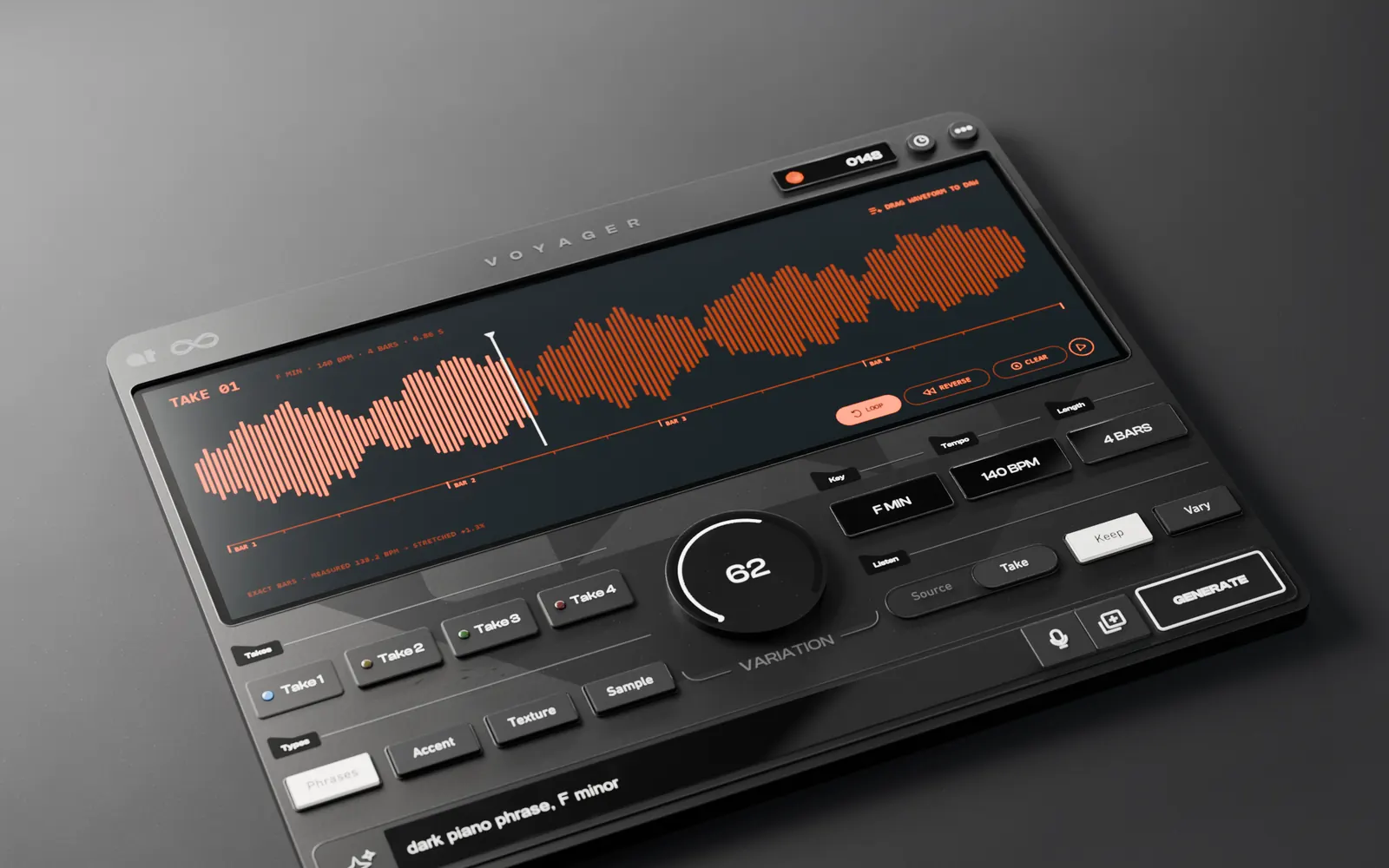
Make it yours
Two cases. Eight display colours.
Graphite or cream, with the display in the colour that suits your setup. Try them here: the unit above changes too.
Phrases
Melodies and musical lines that loop.
Accents
Single hits, stabs and one-shots.
Textures
Pads, beds and atmosphere.
Samples
Material to chop, flip and pitch.
How it works
Three steps. No new habits.
Open it in your DAW
Voyager is a VST3 and AU plug-in for Mac and Windows. Sign in with your email. There is no password.
Type and press Generate
A few seconds later four takes are waiting on the buttons. Everything you make stays in the library.
Drag it out
Pull the waveform onto a track, a sampler or your desktop. It is a WAV file, and it is yours to work with.
Plans
Start free. Stay if it earns its place.
One credit is one press of Generate, and every press returns four takes.
Free
5 credits to start, then 1 a day
- Your first 20 WAVs on us
- 4 more every day
- Demo/Promo Use
Starter
150 credits a month
- 600 takes a month
- Commercial use of what you make
- Cancel any time
Pro
500 credits a month
- 2,000 takes a month
- Commercial use of what you make
- Cancel any time
Studio
1,500 credits a month
- 6,000 takes a month
- Commercial use of what you make
- Cancel any time
Need more in a busy month? Subscribers can add a pack of 100 credits for $7.99. Pack credits do not expire.
In short
What Voyager is.
Voyager is an AI sample generator plug-in made by Audio Tech Hub. You type a description of a sound inside your DAW and it generates four different audio takes of it, matched to the key, tempo and length you set. You then drag the take you like straight onto a track as a WAV file. It makes samples, loops and one-shots for producers to build with; it does not make finished songs.
- Type
- Generative audio (text to sample) plug-in
- Formats
- VST3 and AU on macOS 11 or later (Apple Silicon and Intel); VST3 on Windows 10 and 11
- Makes
- Phrases and loops, accents and one-shots, textures and pads, samples to chop
- Output
- 24-bit WAV files, four per generation, cut to exact bars at your tempo
- Also
- Start from your own audio, reverse, loop preview, a searchable library of everything you made
- Price
- Free to start (5 credits, then 1 a day). Plans from $9.99 a month. One credit is one generation of four takes.
- Rights
- Commercial use of takes made on a paid plan; demo and promo use on free credits
- Needs
- An internet connection and a free account (email sign-in, no password)
Questions
Before you ask.
What is Voyager?
Voyager is an AI sample generator that runs as a plug-in inside your DAW. Type what you want to hear, for example "dark arp synth tape", press Generate, and it returns four takes in your key and at your tempo. Drag the one you like onto a track.
How is it different from AI song generators?
Song generators make a finished track. Voyager makes the raw material: phrases, one-shots, textures and samples that you arrange, chop and mix yourself. It lives in your session as a plug-in, and everything it makes is a WAV file on your computer.
Can I release music made with Voyager?
Takes you generate while you have a paid plan are yours to use commercially: release them, sell them, license them. That stays true after you cancel. Takes made on free credits are for demo and promo use. The full wording is in the Terms of Service.
What do I get for free?
A new account gets 5 credits once, which is 20 WAVs, and every account gets 1 free credit a day. The daily credit does not add up if you skip a day.
Which DAWs does it work in?
Any host that loads VST3 on Windows 10 or 11, or VST3 or AU on macOS 11 and later, on Apple Silicon and Intel. We test it in FL Studio and Logic Pro. It needs an internet connection, because the sound is made on our servers.
What files do I get?
24-bit WAV files, saved to a Voyager folder on your computer as soon as they are made. Loops are cut to exact bars at the tempo you set, so they sit on the grid without warping.
How much does Voyager cost?
It is free to download and try: a new account gets 5 credits, which make 20 WAVs, plus 1 free credit a day. Monthly plans are $9.99 for 150 credits, $19.99 for 500 and $39.99 for 1,500. One credit is one press of Generate and returns four takes.
How long does a generation take?
Usually a few seconds for all four takes. The first press after a quiet spell can take longer while a server wakes up.
Can I use my own audio?
Yes. Import a file or record into the plug-in and Voyager makes takes that follow it. Only put in audio you have the right to use.
What happens to unused credits?
Monthly credits are added at the start of each billing month and do not roll over. Pack credits never expire, and can be used whenever a plan is active.
Your first kit is on us.
Download Voyager, sign in, and make 20 sounds before you decide anything.